

Set Your Training Goal
Work toward a Pull-Up, Muscle-Up, Handstand, Planche, or another calisthenics skill.
CALISTHENICS TRAINING FOR IPHONE AND IPAD
Orvia builds complete calisthenics sessions around your goals, current ability, schedule, and equipment.
 AVAILABLE SOON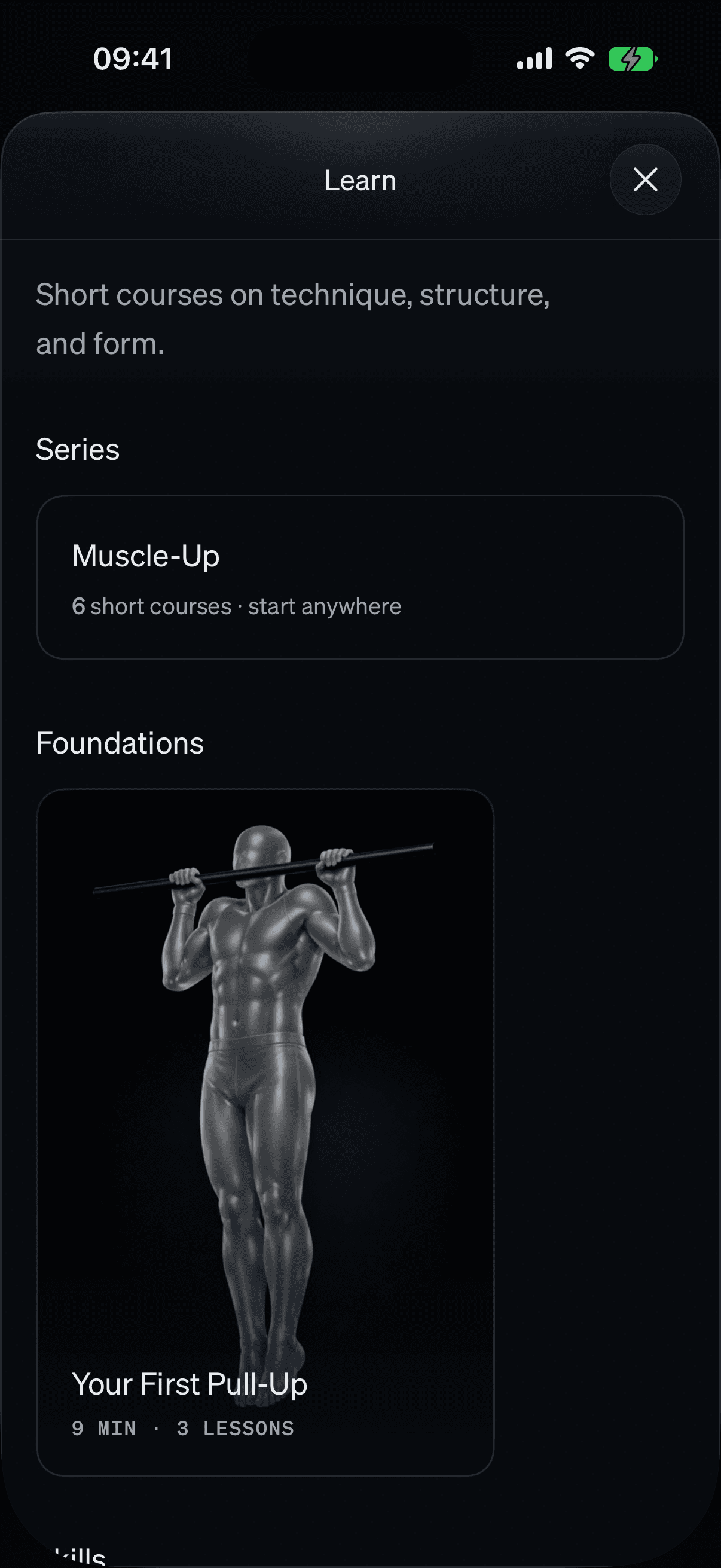
HOW ORVIA WORKS
Work toward a Pull-Up, Muscle-Up, Handstand, or Planche. Orvia starts where you are and builds the skill work, strength, and recovery to get you there.
Work toward a Pull-Up, Muscle-Up, Handstand, Planche, or another calisthenics skill.
Your experience, schedule, and equipment determine where your plan begins.
Train warm-up, skill work, strength, and recovery with clear sets, reps, and rest.
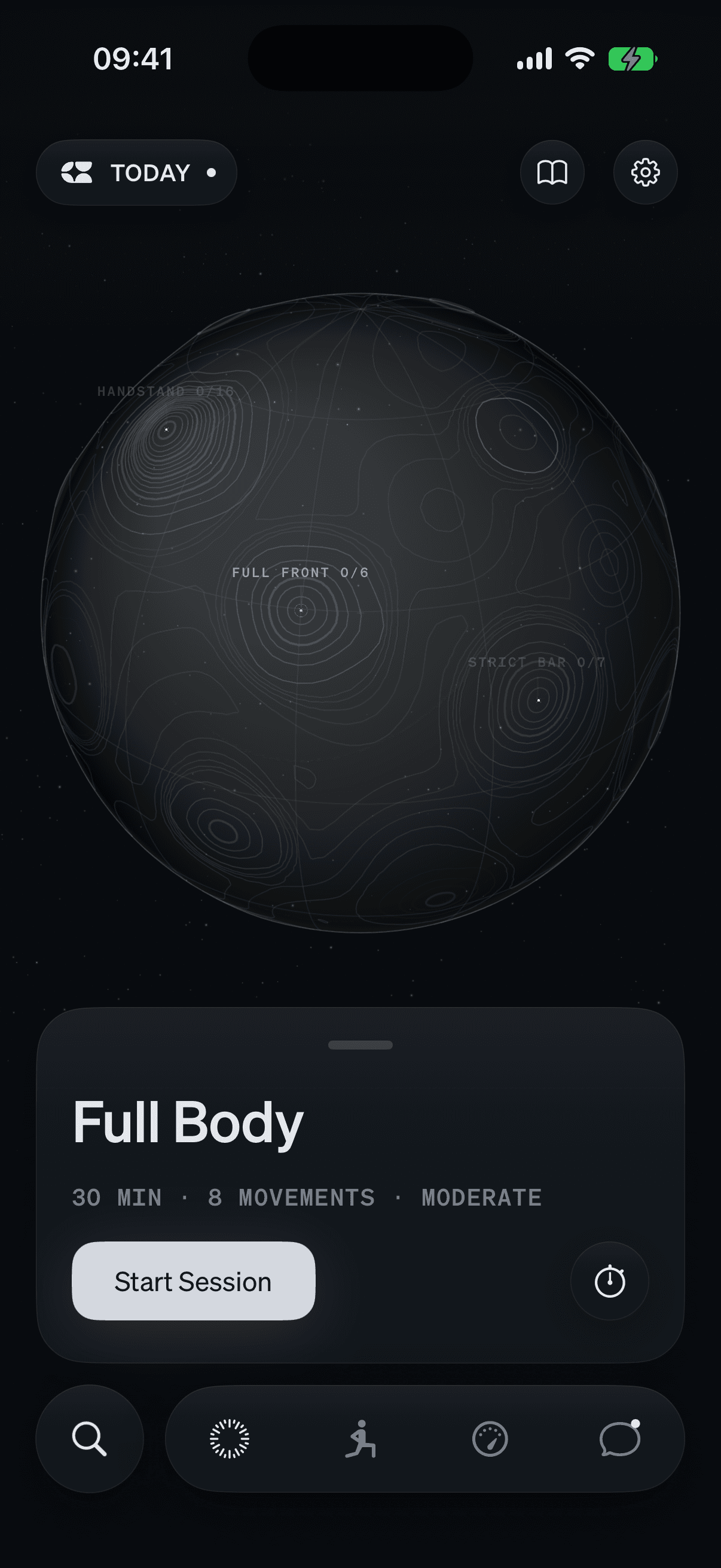
TODAY
See the movements, sets, reps, and expected effort before you start.
SESSION
Move from warm-up through skill work, strength, and recovery with each target in order.
LEARN
Read verified setup, technique, common mistakes, and safety guidance.
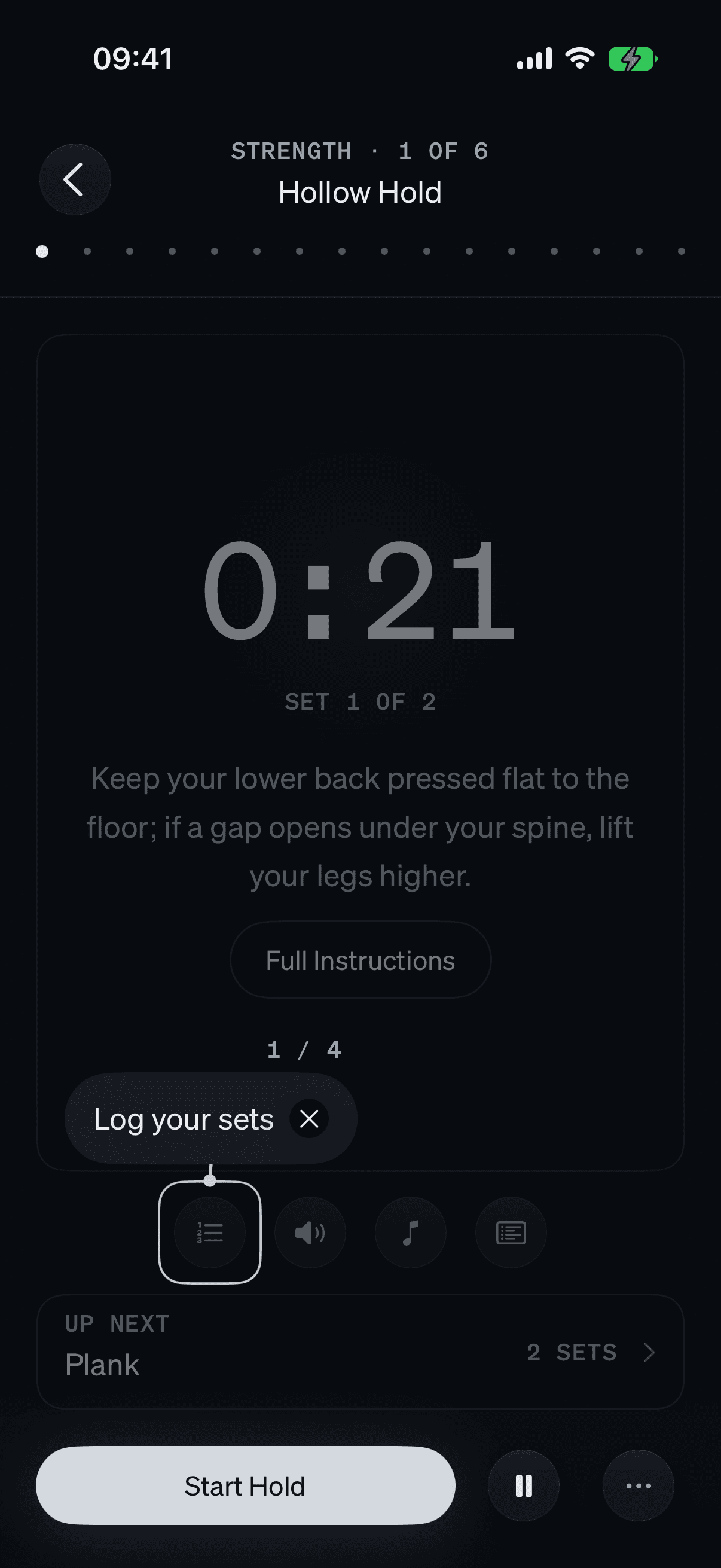
ACTIVE SESSION
See the movement, target, timer, rest, guidance, and next exercise in one place.
TRAINING THAT ADAPTS
Completed sets, current progress, available equipment, and optional recovery data help Orvia update upcoming sessions.
Connect Apple Health to let sleep, heart-rate variability, and resting heart rate inform today’s training load.
Targets, timers, rest, and set logging stay inside the active session.
Read setup, technique, common mistakes, breathing, and safety notes for each movement.
APPLE FEATURES
Each integration is optional. Your plan and sessions work without them.
Use optional recovery data and save completed sessions
Find nearby parks and gyms when you open Places
Play a selected playlist while you train
Add sessions without reading your existing events
Share completed sessions when connected
Start common actions by voice or shortcut
COACH, SPOTTER, AND PROGRESS
Ask questions before you start, get on-device help during supported movements, and review your completed work afterward.
Ask Orvia about your plan, exercise swaps, recovery, or progress. Replies use the training information you choose to share.
Use your iPhone camera to count reps, time holds, and review form on supported movements. Video stays on your device.
Review completed sessions, training load, movement patterns, Body Progress, and progress toward your chosen skills.
Orvia is a calisthenics training app. It builds complete sessions around your goals, current ability, schedule, and equipment.
Orvia supports beginners training their first Push-Up or Pull-Up and experienced athletes working toward a Muscle-Up, Handstand, Front Lever, or Planche.
Orvia starts from your current ability, schedule, and equipment. Each session combines the skill work, strength, and recovery that support your chosen skill.
You can begin with floor space. A pull-up bar and rings add more skills. Orvia adjusts each session to the equipment you have.
No. Apple Health is optional. If you connect it, recovery data can help Orvia adjust today’s training load, completed sessions can be saved to Health, and Body Progress can keep supported measurements in sync.
Spotter uses on-device camera processing to count reps, time holds, and review form on supported movements. Video is not recorded or uploaded.
Ask Orvia about your plan, exercise swaps, recovery, or progress. Coach needs an internet connection, and replies use only the training information you choose to share.